Resume Checker Process
Upload Your Resume
- Upload your current resume (PDF or DOC).
- We’ll automatically review layout and formatting.
1
Add Job Description
- Paste the job description you want to apply for.
- We’ll match your resume with job requirements.
2
Get Your Match Score
- See how well your resume fits the job as a percentage.
- Understand what’s working and what’s not.
3
Find Missing Keywords
- See which important skills or keywords are missing.
- Get a table showing what’s strong, weak, or absent.
4
Get Personalized Suggestions
- Receive smart suggestions to improve your resume instantly.
- Edit your resume directly from our platform.
5
Interview Questions & Answers
- Access common interview questions related to your role.
- Prepare with helpful example answers.
6
Compare Before & After Resume
- See your old and improved resumes side-by-side.
- Visualize all changes before downloading.
7
Choose Template & Download
- Pick your favorite professional template.
- Download your final, polished resume instantly.
8
Manage Resume History
- View all your past uploads and improved versions.
- Re-check or download any resume anytime.
9
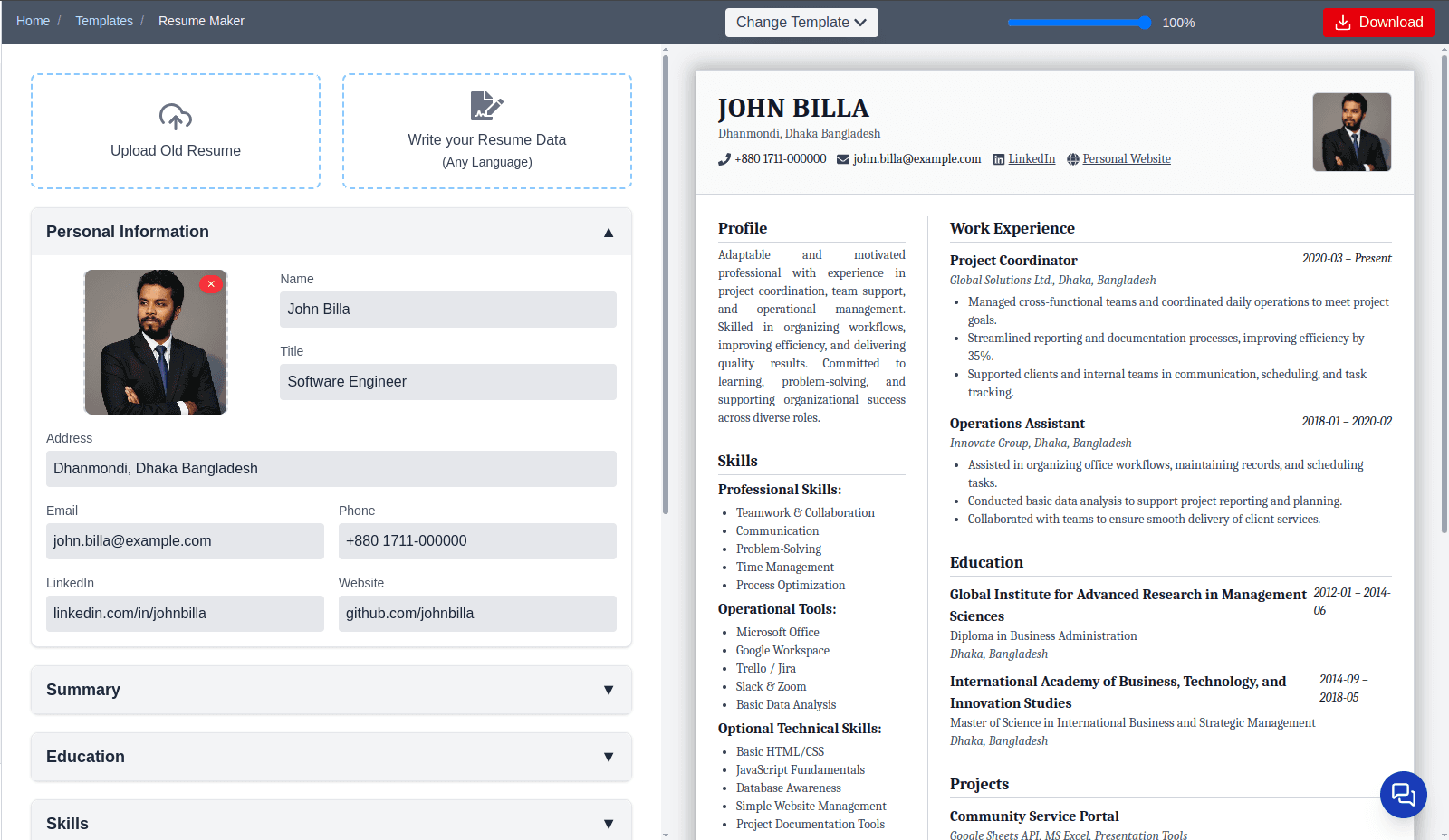
Resume Maker
Access more templates — choose any you like
Upload an existing resume to extract your information easily
Write your Resume Data (Any Language)
Manually update or edit your information anytime
Use sample data available for all career categories
Download your resume as a PDF
About xResume
xResume helps job seekers improve their CVs, ensuring better job matches and optimized applications for modern recruitment systems.